You will get a warning message. It says that the device is not initialized, & want to be re-initialized. In other words, format the hard disk. 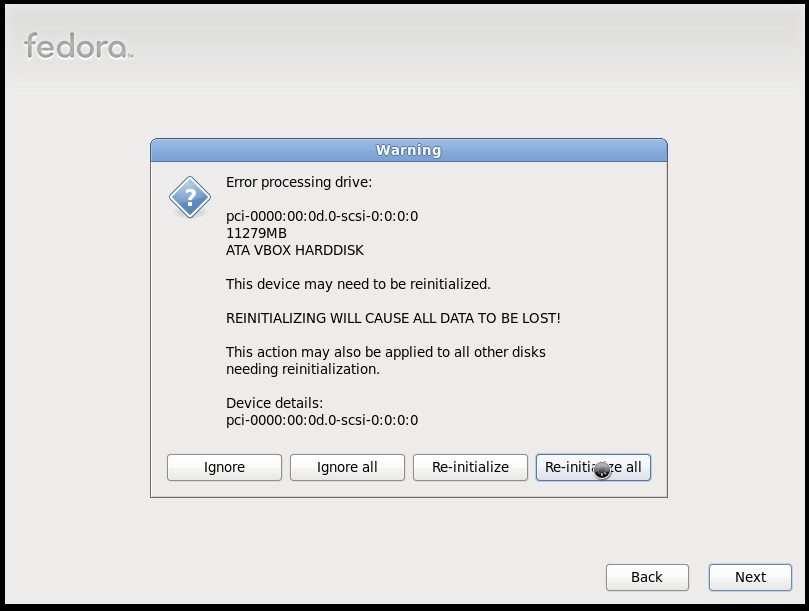 Click on re-Initialize all. If you are using a virtual machine or you do not have any other operating system installed on your computer. Or else click Re-initialize or Ignore as your requirements. 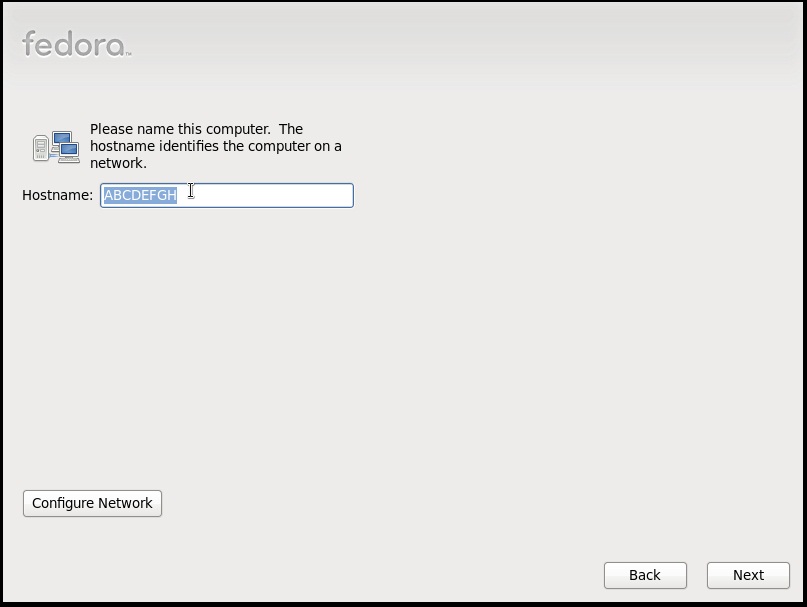 Then give a name for the computer. You can give any name here. & then, click NEXT. 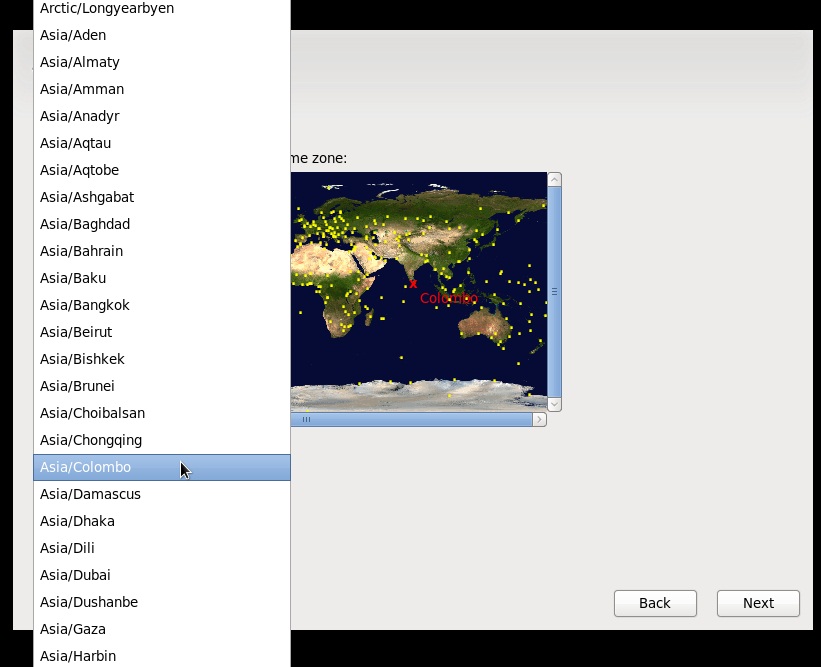 Give your time zone from the next screen. select the time zone from the list, & click NEXT. 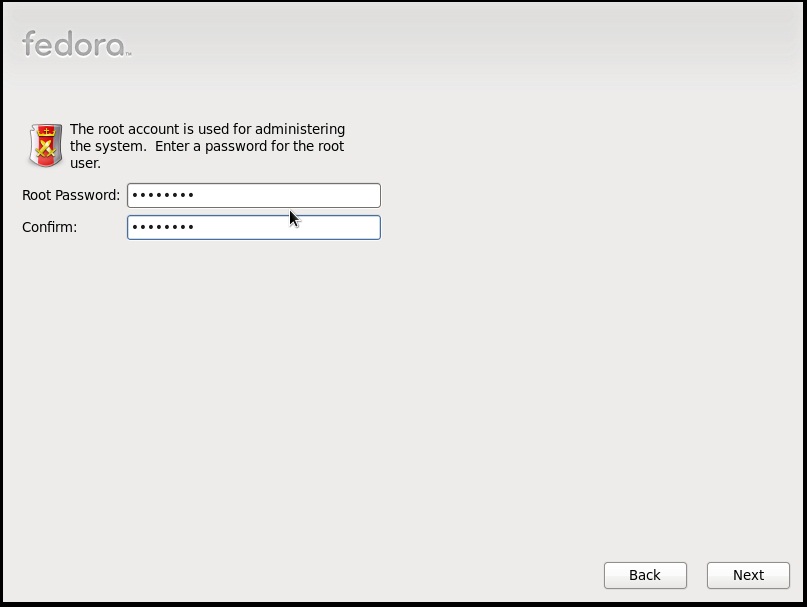 Give a root password. This will be used for System administrative activities. Remember.... This is not the user account password. Then click NEXT. | < Back . |
