How To Install Fedora Operating System...?
Here, we will guide you to install Fedora Operating System. This is based on Fedora 14, but other versions also can be installed with these guidelines.
If you are going to install Fedora straight away to your computer, put the bootable CD into your CD ROM and turn on the computer. Or else if you are going to install it to a virtual machine using a software like virtual box, first set a virtual machine & import your CD or image file(.iso etc) & start.
This is the first screen you will see on your installation. select Install System with Basic Video Driver. Then you will see following screen.
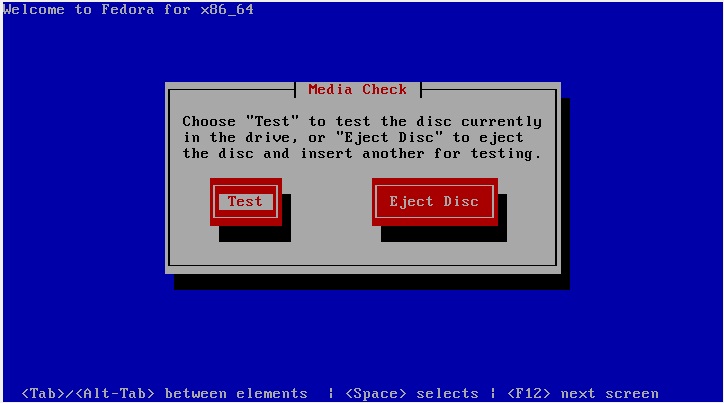
Here it will ask that you want to check the disk which is currently inside the drive or any other disk. Since your CD is inside the CD Drive, click TEST
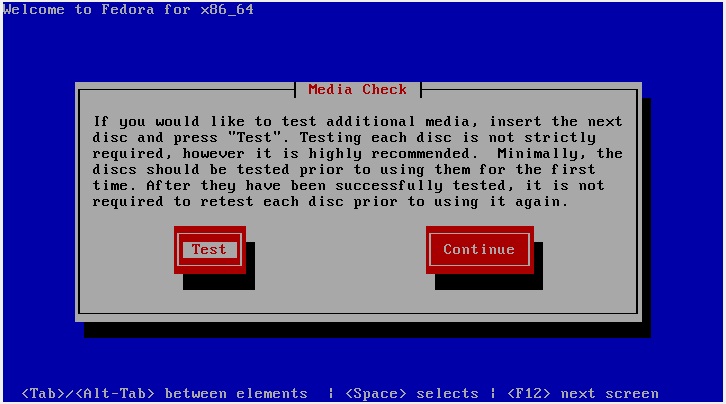
Then it will check the disk. this will take some time.