At the Installation Process, First you will see the following screen. click NEXT button at the bottom right corner. 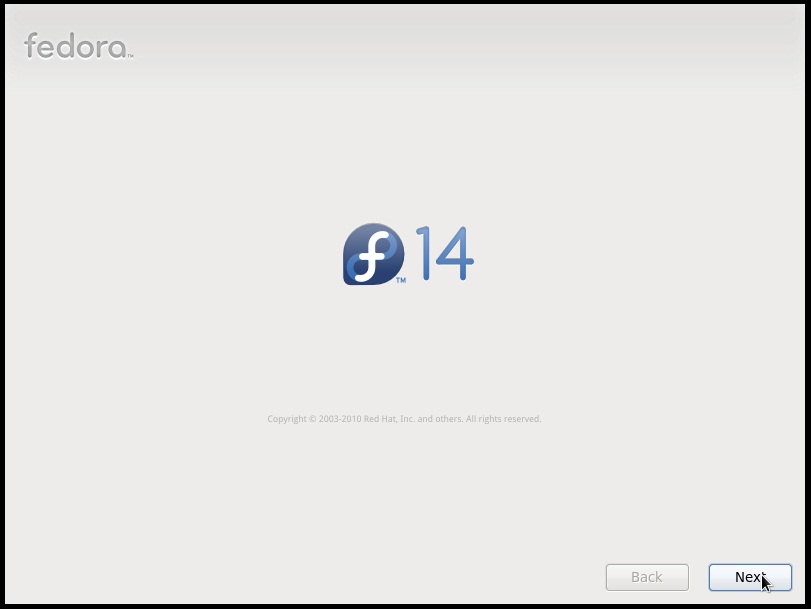 Then you have to select the language that you are going to use in the installation process.
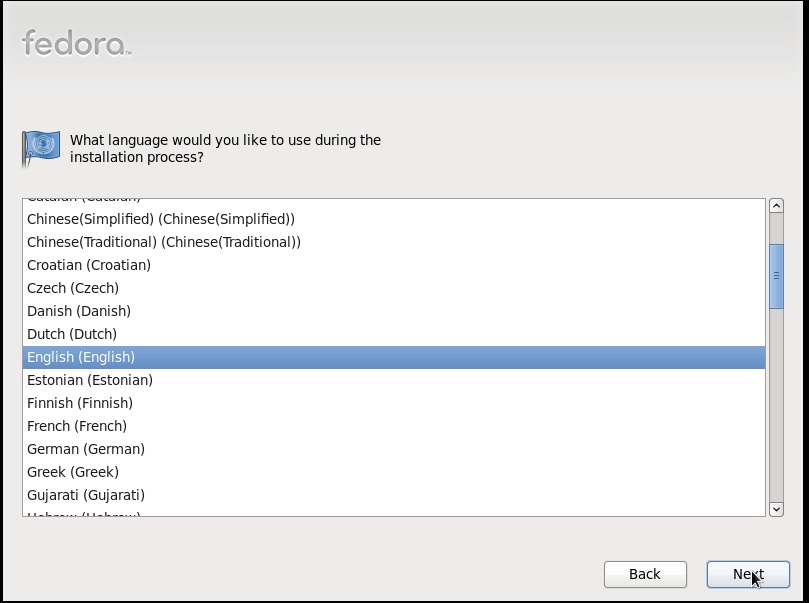 Select English (English). Then you have to select your keyboard type.
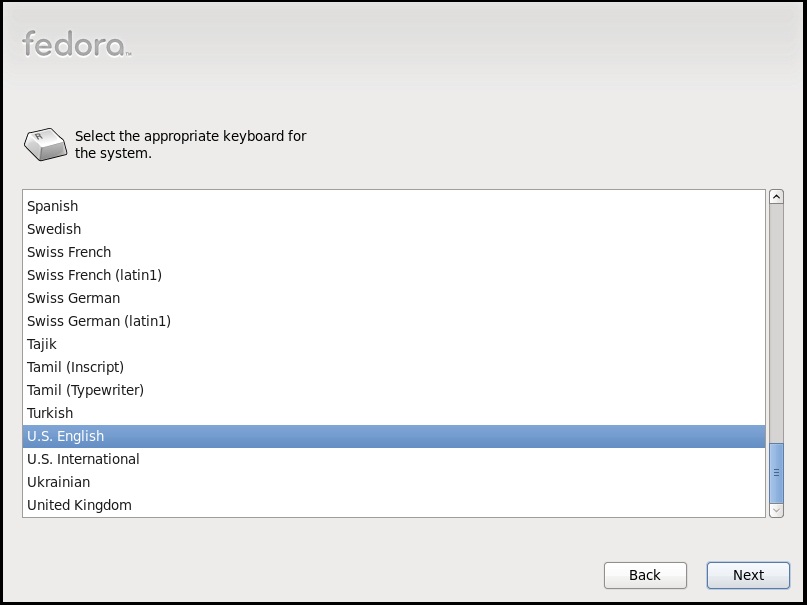 As usually we use US English keyboards. Select any other language if you are using a special type keyboard. Click NEXT.
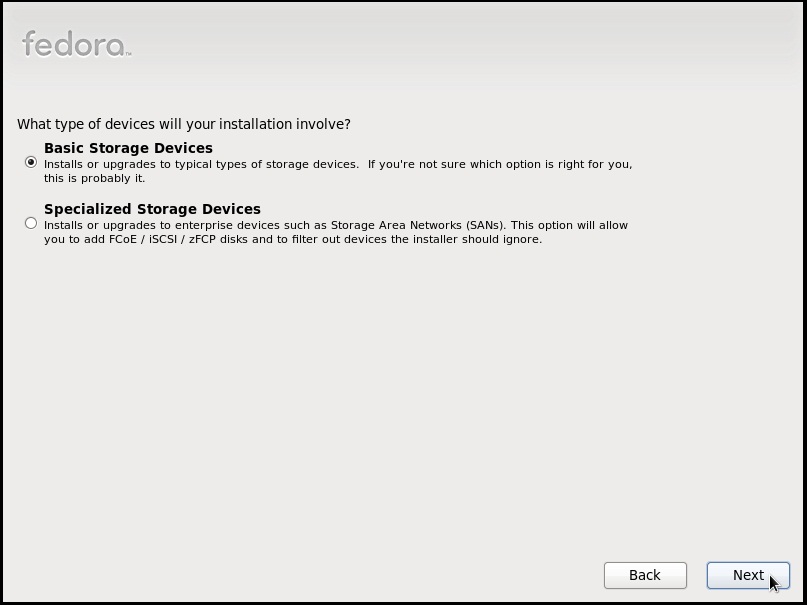 Then it will ask the storage device that you are trying to install the system. select Basic Storage Devices & click NEXT. | < Back . |
