You will see these steps only if you are using Virtual box. Other products will depend on their brands. 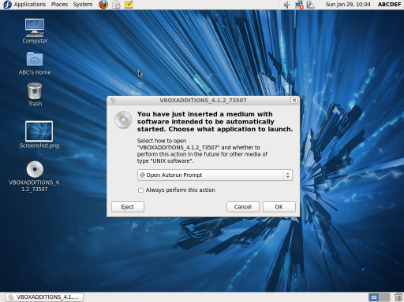 Click OK to above message. Then it will start installing drivers. 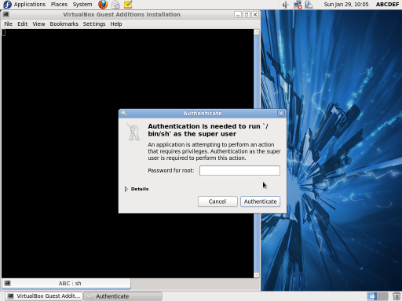 Enter your Root Password here to Authenticate yourself as an Administrator. The click Authenticate. 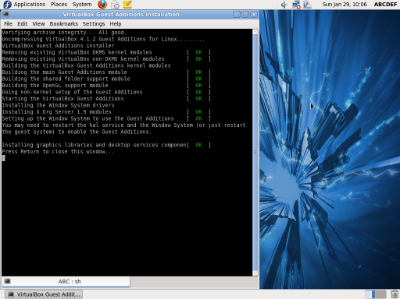 After completing The installation You will see a line in Konsole, saying "Press Return to close this window". Then Press Enter Key, and restart your computer, and enjoy your new Fedora Operating System....... 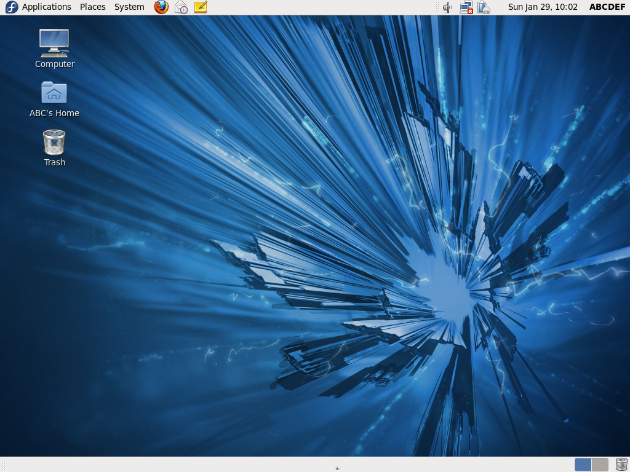 | < Back . |
